Drop a file into the browser
Drag any supported file into File X-Ray: photos, PDFs, documents, spreadsheets, presentations, videos, or audio. The file stays on your machine and is parsed locally.


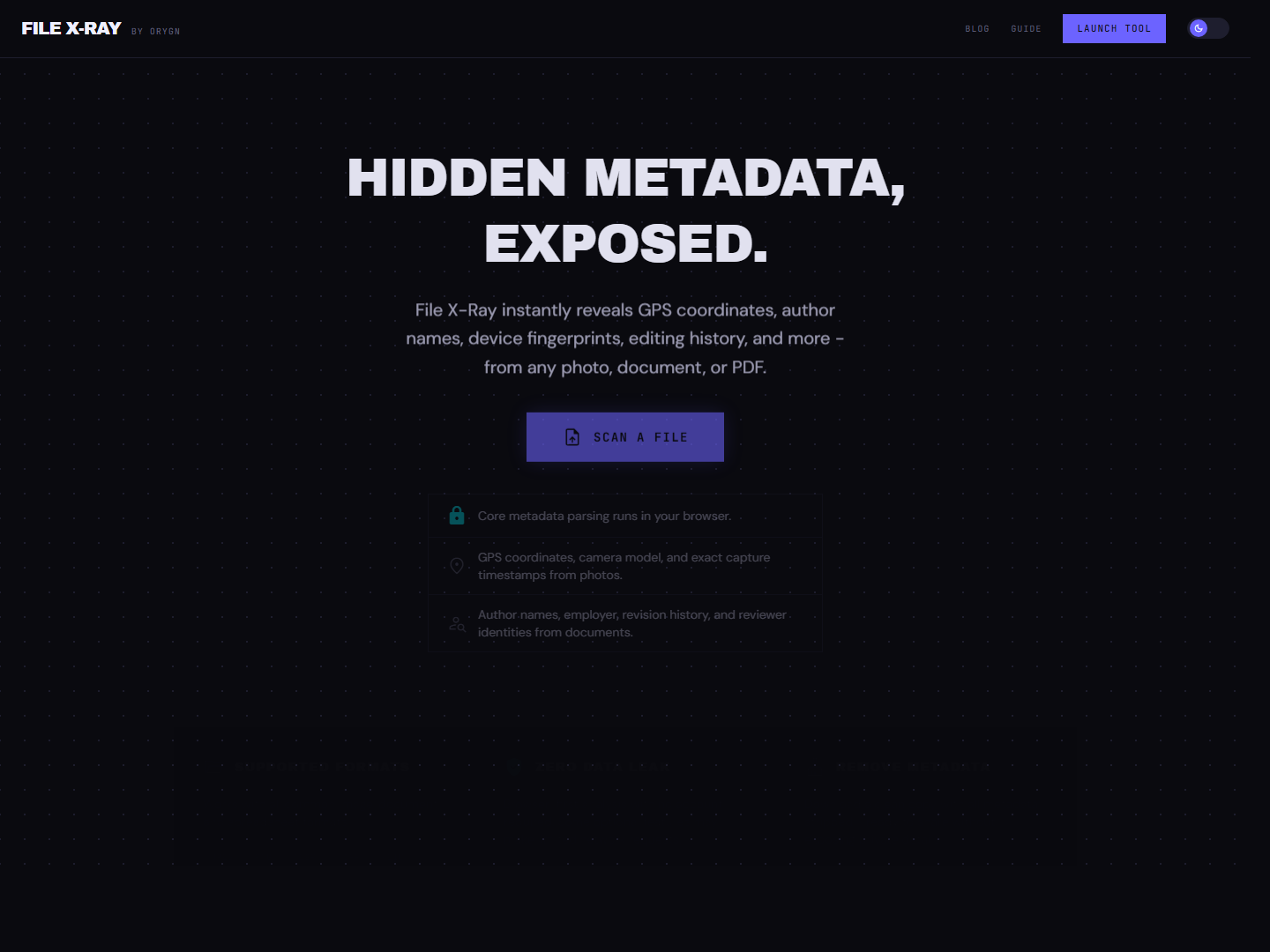
Every photo, PDF, document, video, and audio file carries metadata that most people never see. GPS coordinates, author names, device fingerprints, edit history, digital signatures, internal file paths. File X-Ray parses 60+ format families in your browser, classifies each field by risk, plots GPS on a map, runs AI-powered summaries, and lets you strip metadata before the file goes anywhere.
How it works
Core parsing and metadata stripping run entirely in your browser. Optional features like AI summaries and reverse geocoding go through server-side proxies so API keys never reach the client. Your file bytes stay on your machine.
Drag any supported file into File X-Ray: photos, PDFs, documents, spreadsheets, presentations, videos, or audio. The file stays on your machine and is parsed locally.
EXIF data, GPS coordinates plotted on a map, author names, device fingerprints, revision counts, timestamps, and more. Each field is classified by risk level. Trigger an AI summary to surface the most privacy-relevant findings.
Remove metadata from images, PDFs, and documents. Download a clean version plus a strip-diff report showing exactly what was removed. Ready to share, publish, or archive without leaking information you did not intend to include.
Why it matters
A photo taken on a phone often includes the exact GPS coordinates of where it was shot. File X-Ray plots these on an interactive map so you can see exactly what would be exposed.
PDFs, Word docs, spreadsheets, and presentations embed author names, organizations, editor software, and revision history. That metadata travels with the file when it gets shared.
MP4, MOV, MP3, FLAC, and other media formats embed encoder details, creation timestamps, device models, and sometimes GPS data. File X-Ray extracts all of it.
Beyond standard metadata, PDFs can contain internal file paths, embedded fonts, JavaScript, form fields, and digital signatures. Byte-level forensics surfaces the structural details most viewers miss.
Trigger an AI-powered summary that reads every extracted field and highlights the most privacy-relevant findings. Powered by Gemini, processed through a server-side proxy so keys never reach the browser.
After stripping metadata from a file, you get a strip-diff report showing exactly which fields were removed. Download the clean file knowing precisely what was changed.
Built with
Core parsing, metadata extraction, and stripping all run in the browser using dedicated TypeScript parsers for each format. Optional AI summaries and reverse geocoding go through Vercel Edge Functions so API keys stay server-side. The landing bundle is code-split, and each format's parser loads only when a file of that type is opened.
FAQ
Built by Orygn
Orygn builds custom software, internal tools, and security-minded systems for small businesses and growing teams. File X-Ray is a working example of that approach applied to file privacy.
Open File X-Ray